Prospecting
Know your contacts.
Track target companies, their contacts, and the calls, emails, and meetings that move a relationship forward.

CRM for Recruiting Agencies
Track prospect companies, follow-ups, and fee agreements through the whole sales cycle. When the agreement is signed, hand off to Hire Gnome.

See where each deal stands, who owns it, and what needs to happen next.
Prospecting
Track target companies, their contacts, and the calls, emails, and meetings that move a relationship forward.
Pipeline
Assign owners, capture hiring needs and proposed terms, and give every opportunity a next action.
Reporting
See overdue tasks, upcoming follow-ups, and quiet opportunities. Open the numbers to see the records behind them.
Closer Gnome + Hire Gnome
Once terms are signed, choose which contacts to send to Hire Gnome. Open a job order there and manage recruitment in the ATS.
Closer Gnome is self-hosted and also runs as a standalone CRM.
Read the Hire Gnome integration guide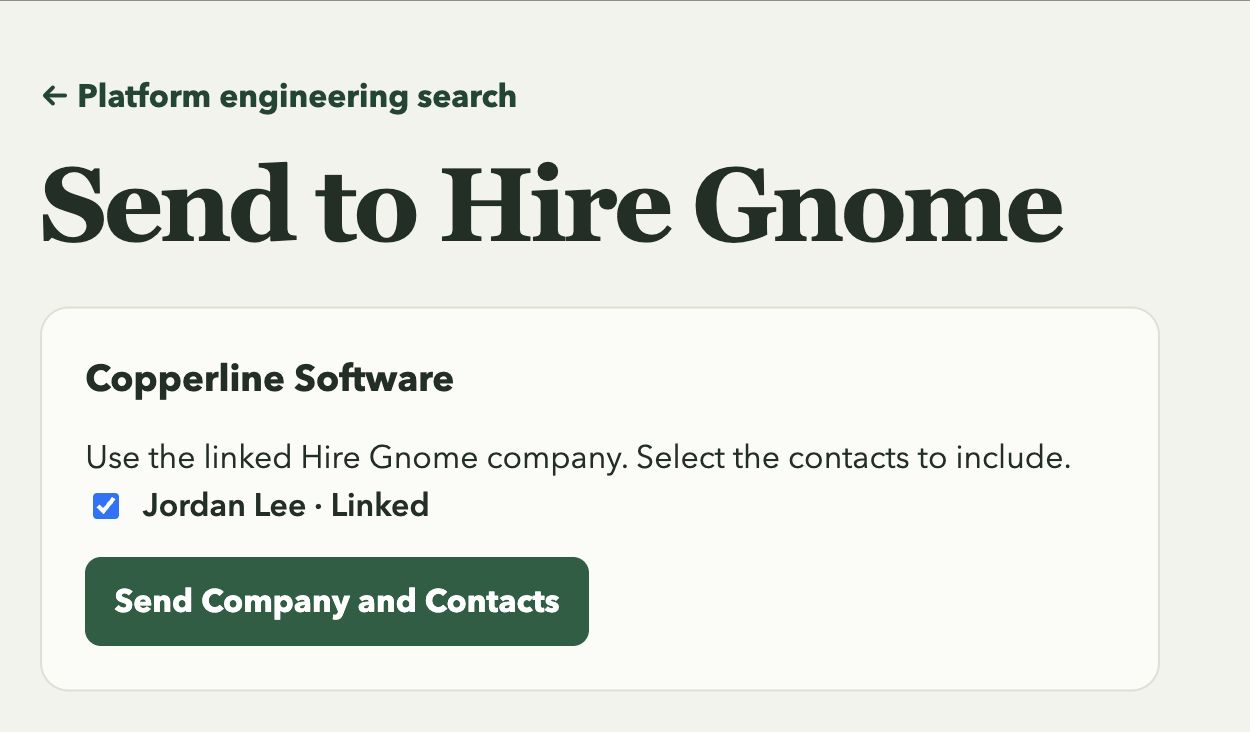
$299 USD
One-time purchase per workspace.
Install Closer Gnome and verify your email under Admin → License. When you’re ready to buy, activate your perpetual license there.
Get the InstallerChoose the installer for your Linux server. Run uname -m on the server if you’re unsure.
Choose this if your server reports x86_64.
Choose this if your server reports aarch64 or arm64.
Version 0.1.2 · About 80 MB per installer
closer-gnome folder, and run this command with your domain.
./setup.sh https://closer.example.comAlready using a reverse proxy for Hire Gnome? Add --existing-proxy before the URL and route your Closer domain to port 3260. See the Setup and Integration Guide for proxy setup, upgrades, and how the Hire Gnome integration works.
Share your workflow or ask about trying Closer Gnome with your team.